
Notifications and Message Management
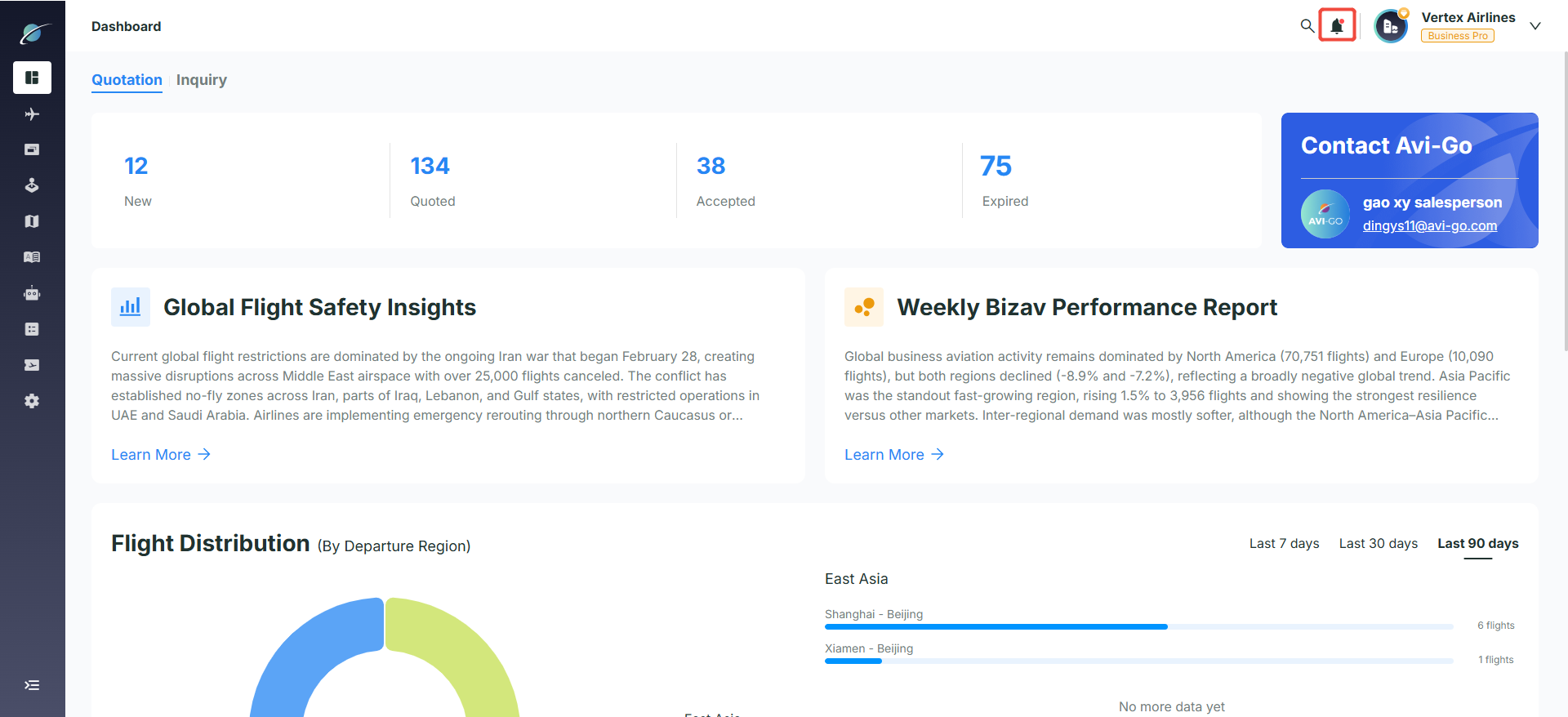
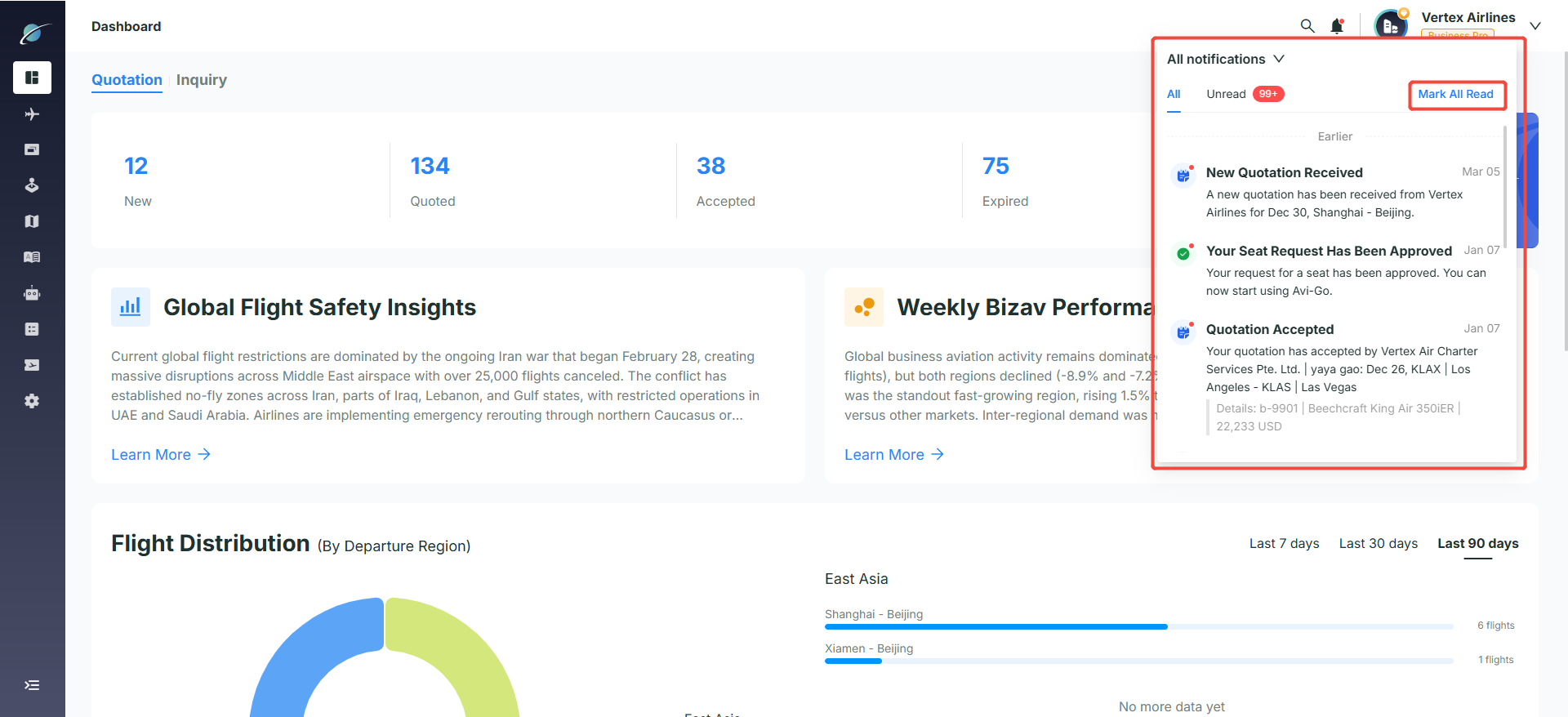
· Real-time alerts: Click the bell icon in the upper-right corner to open the notification panel.
· Category switching: Users can switch between "All" and "Unread" to quickly identify unprocessed quotations, seat requests, order acceptances, and other important notifications.
· Mark all as read: Click "Mark All Read" to mark every unread notification as read in one step.
Subscribe to the Avi-Go Newsletter
Business aviation data, insights, and trends — trusted by 10,000+ professionals worldwide.
I agree withTerms & Conditions and Privacy Policy

Empowering Your Aviation with Data & AI








Get the latest updates and most exciting news.
Follow Updates