
Manage Your Fleet
Notes
○ This feature is only available to operators and brokers who have aircraft assigned to them.
○ To add a new aircraft, please contact your account manager.
○ To remove an aircraft, a request must be submitted, and your account manager will follow up and handle the process.
○ Only company administrators are authorized to maintain and edit aircraft information.
Fleet List and Aircraft Information Viewing
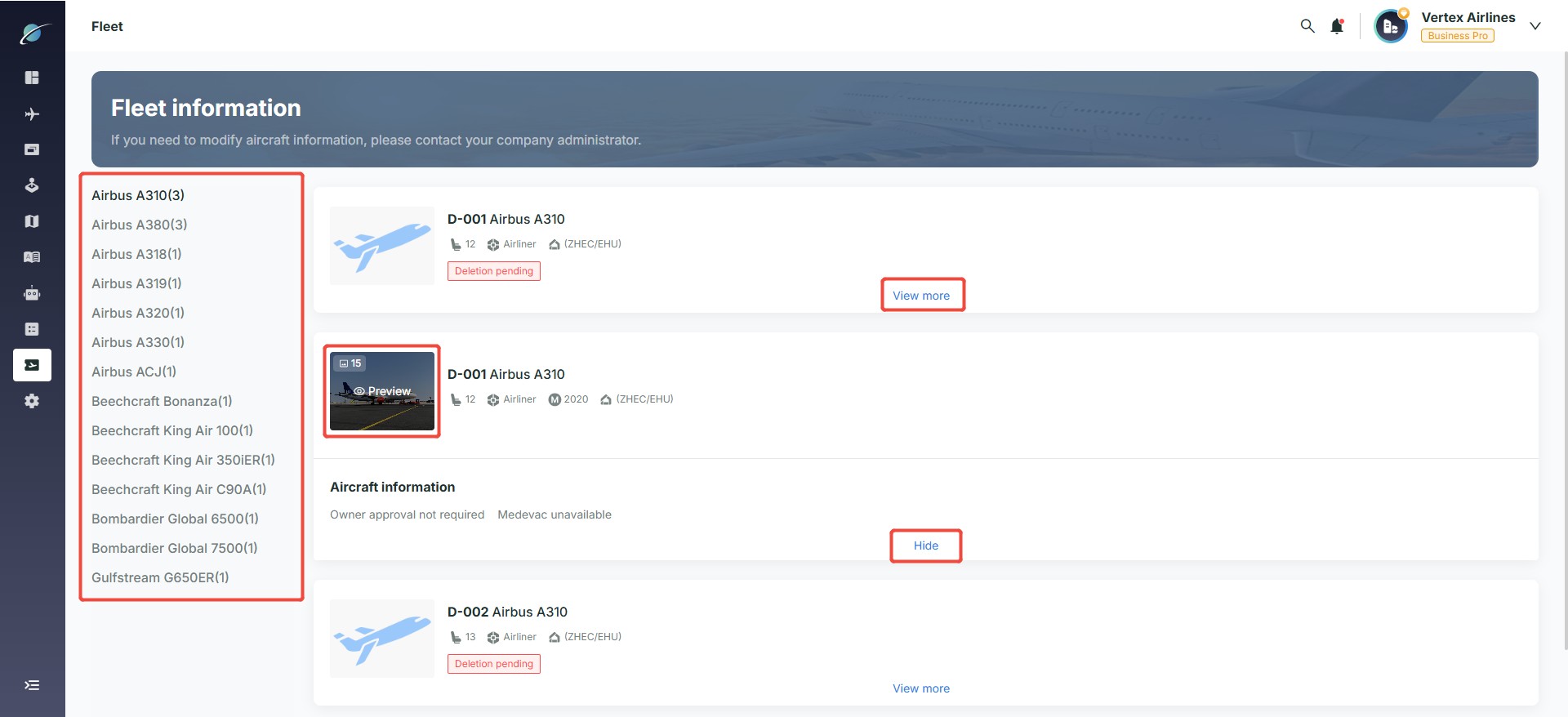
○ Aircraft Type List: In the Fleet list on the left side of the page, you can view all aircraft types currently recorded in the system. Clicking on any aircraft type will display all corresponding aircraft information on the right side.
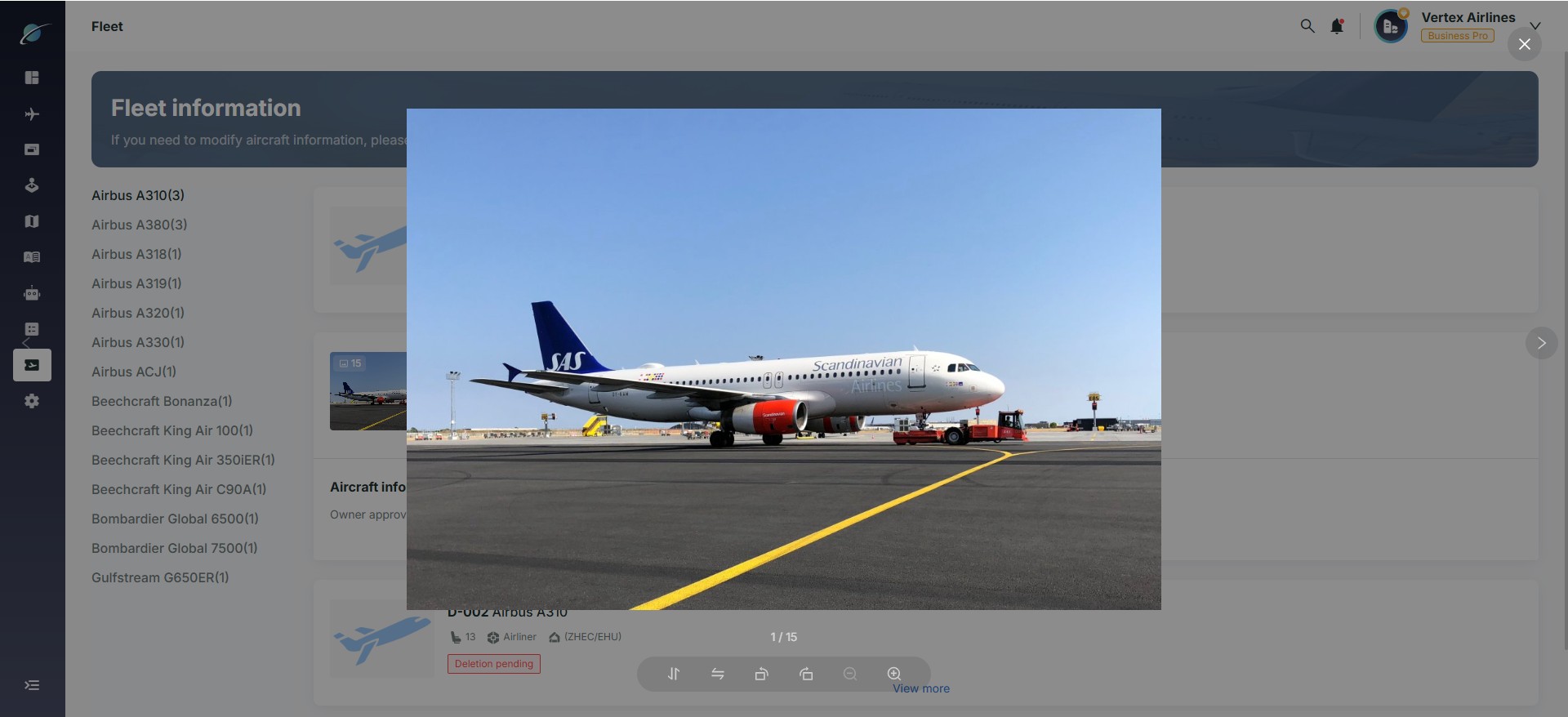
○ Aircraft Information Viewing: In the list area on the right, each aircraft is shown as an information card containing basic details such as registration number, seating capacity, base location, and aircraft status. Hover over the aircraft image area and click “Preview” to view all uploaded images for that aircraft. Click the “View more” button below the aircraft card to expand and see additional details, and click “Hide” to collapse the expanded view.
Subscribe to the Avi-Go Newsletter
Business aviation data, insights, and trends — trusted by 10,000+ professionals worldwide.