
Empty-leg Posting and Management
Eligibility note
Only enterprise users that are Operators, or enterprise Brokers that manage aircraft, may publish and manage empty legs.
My Empty Legs
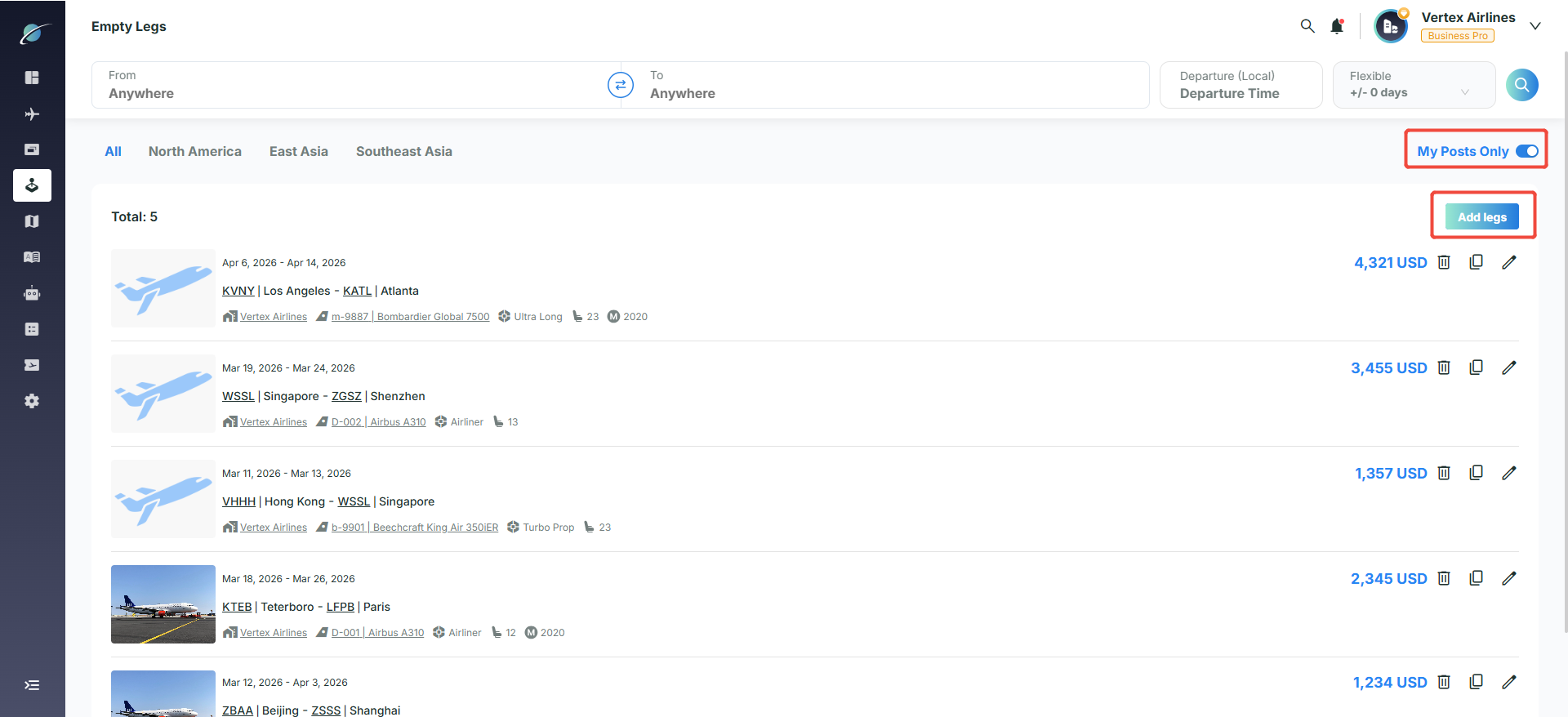
Turn on "My Posts Only" in the upper right to show only empty legs posted by the current account.
Add empty legs
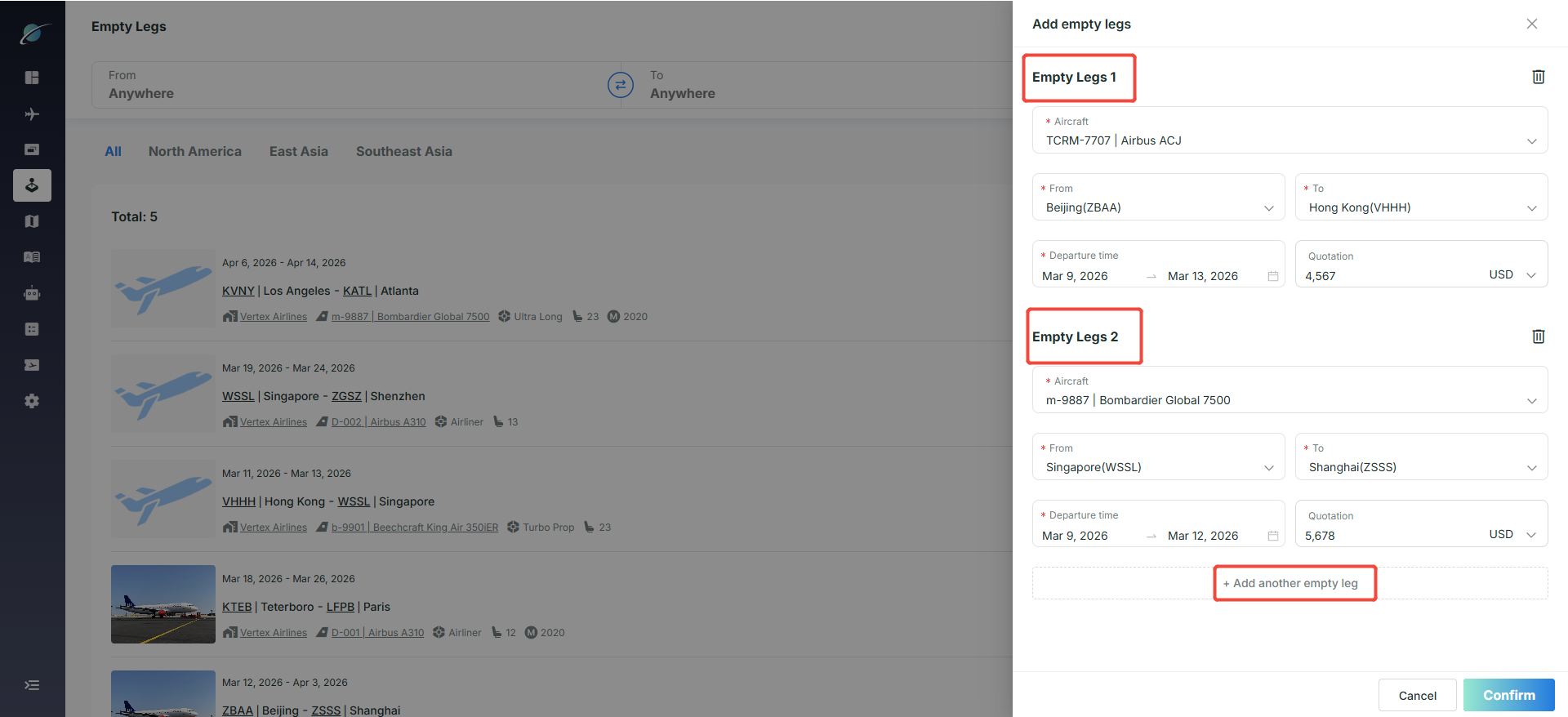
Click "Add legs" to open the creation page. Fill in detailed information, click "Add another empty leg" to enter multiple records at once, then click "Confirm" to publish.
Delete
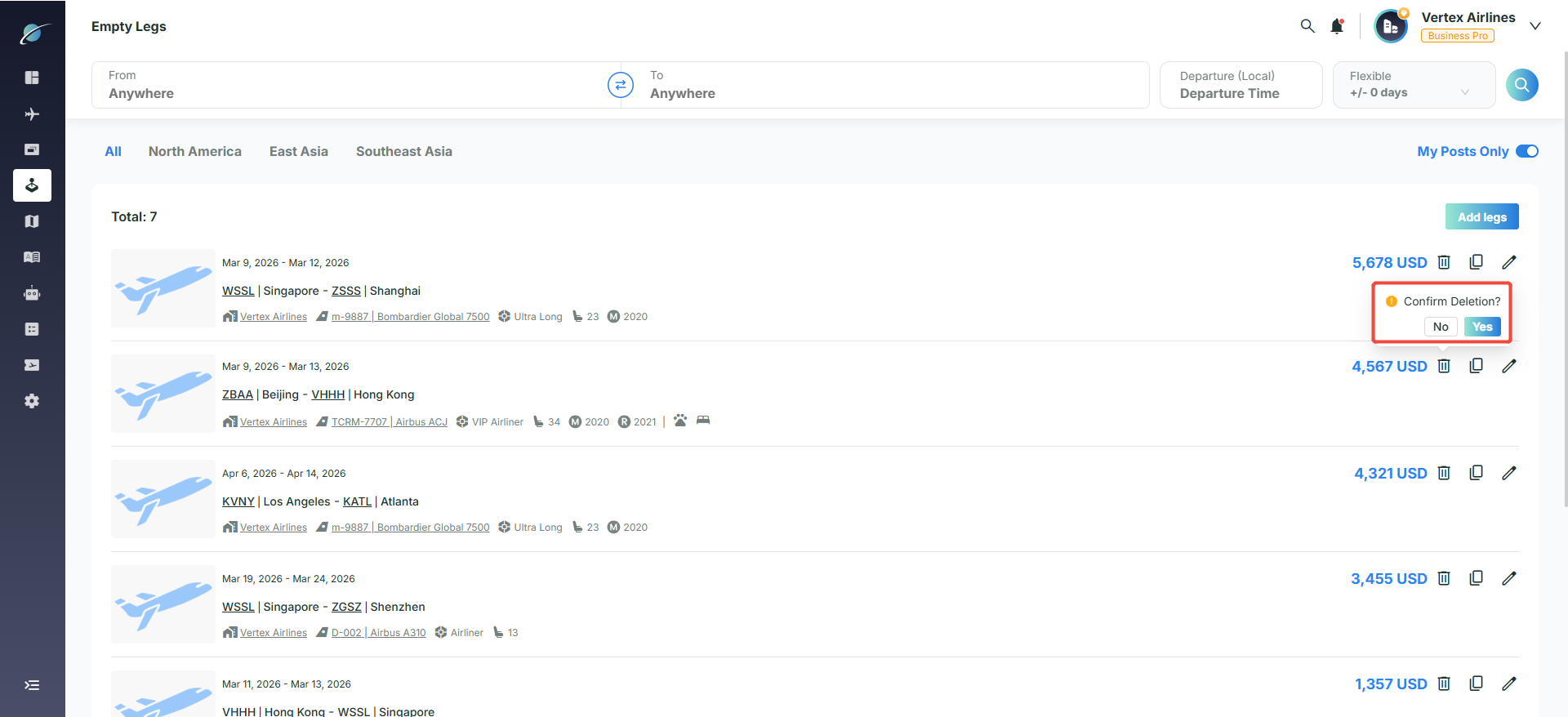
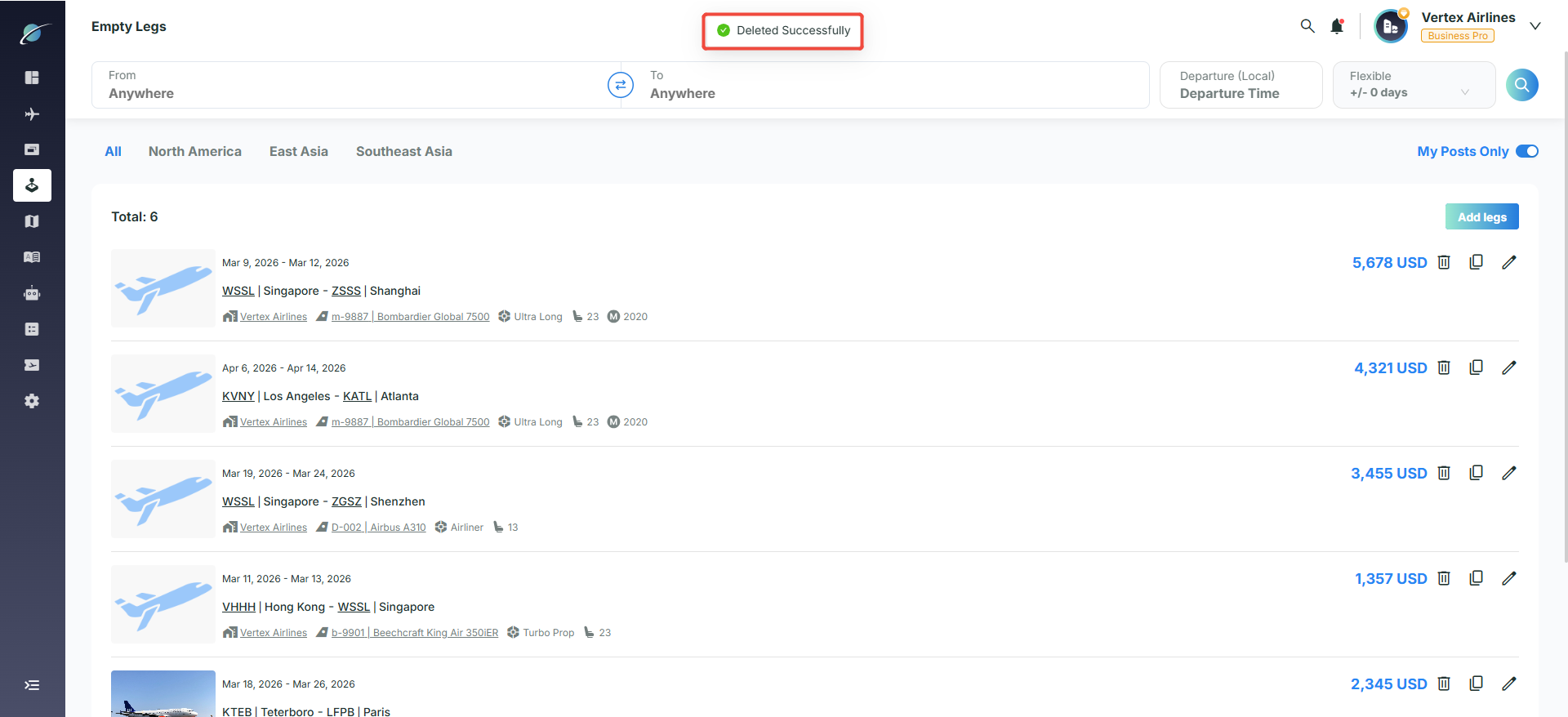
Click the delete icon on the right side of an empty-leg entry and confirm with "Yes".
Quick create
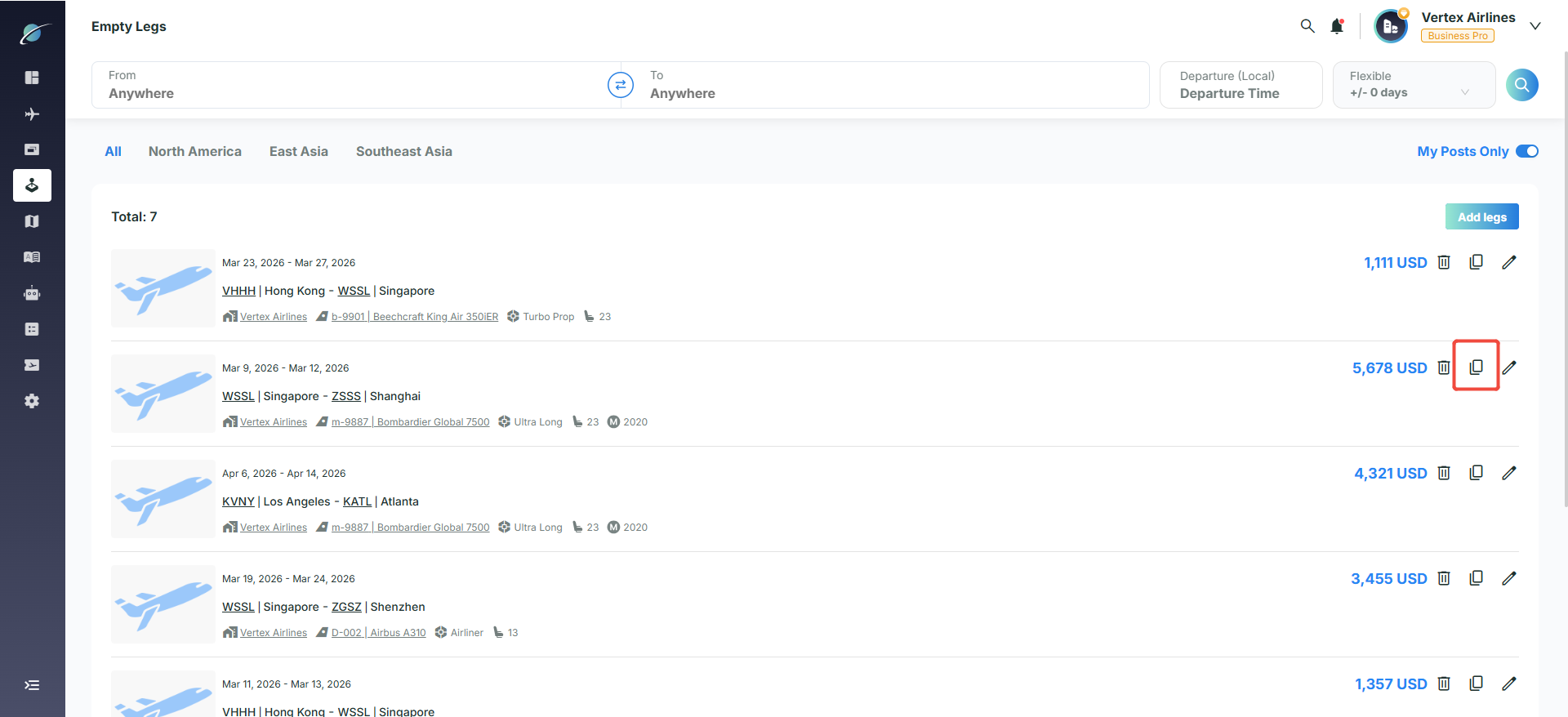
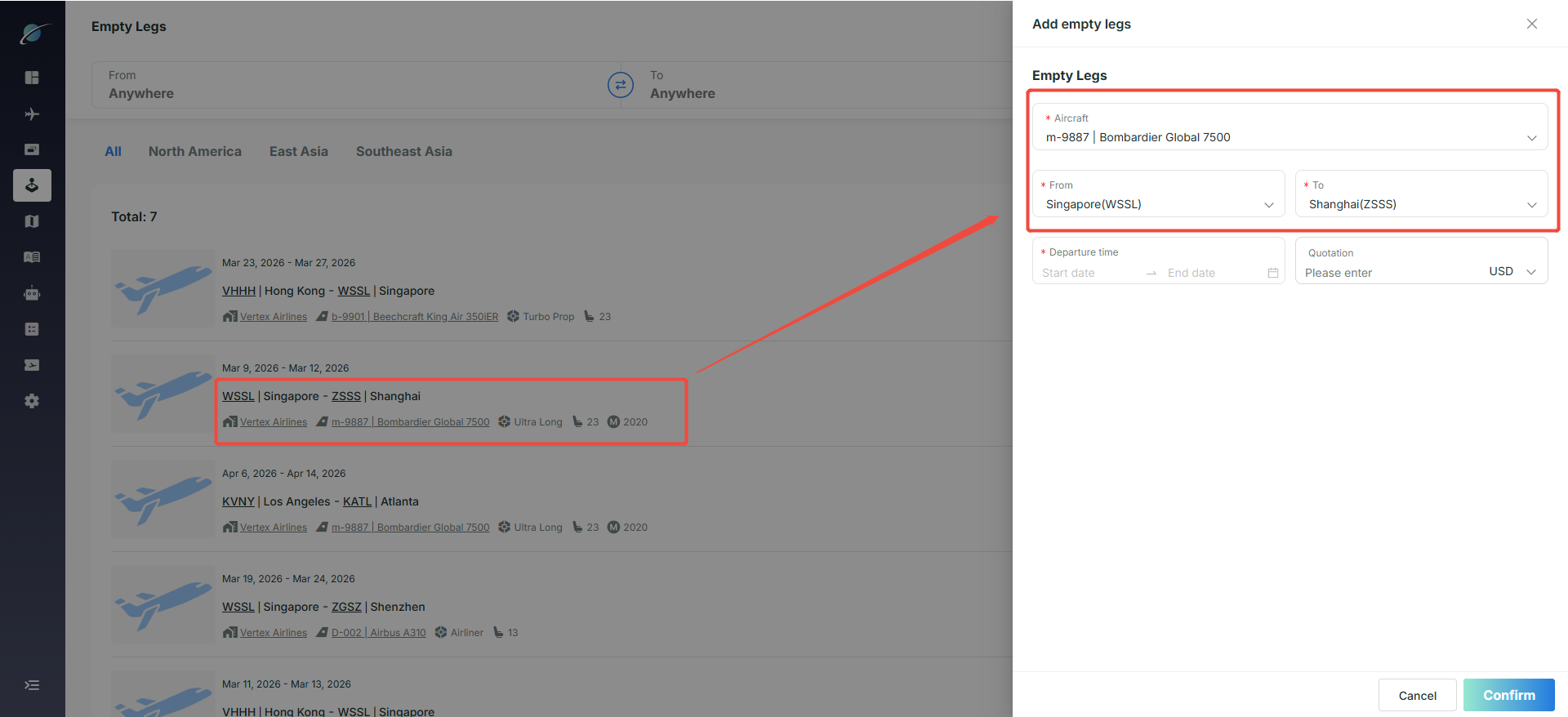
Click the copy icon to open the add page with the aircraft and segment information prefilled.
Edit
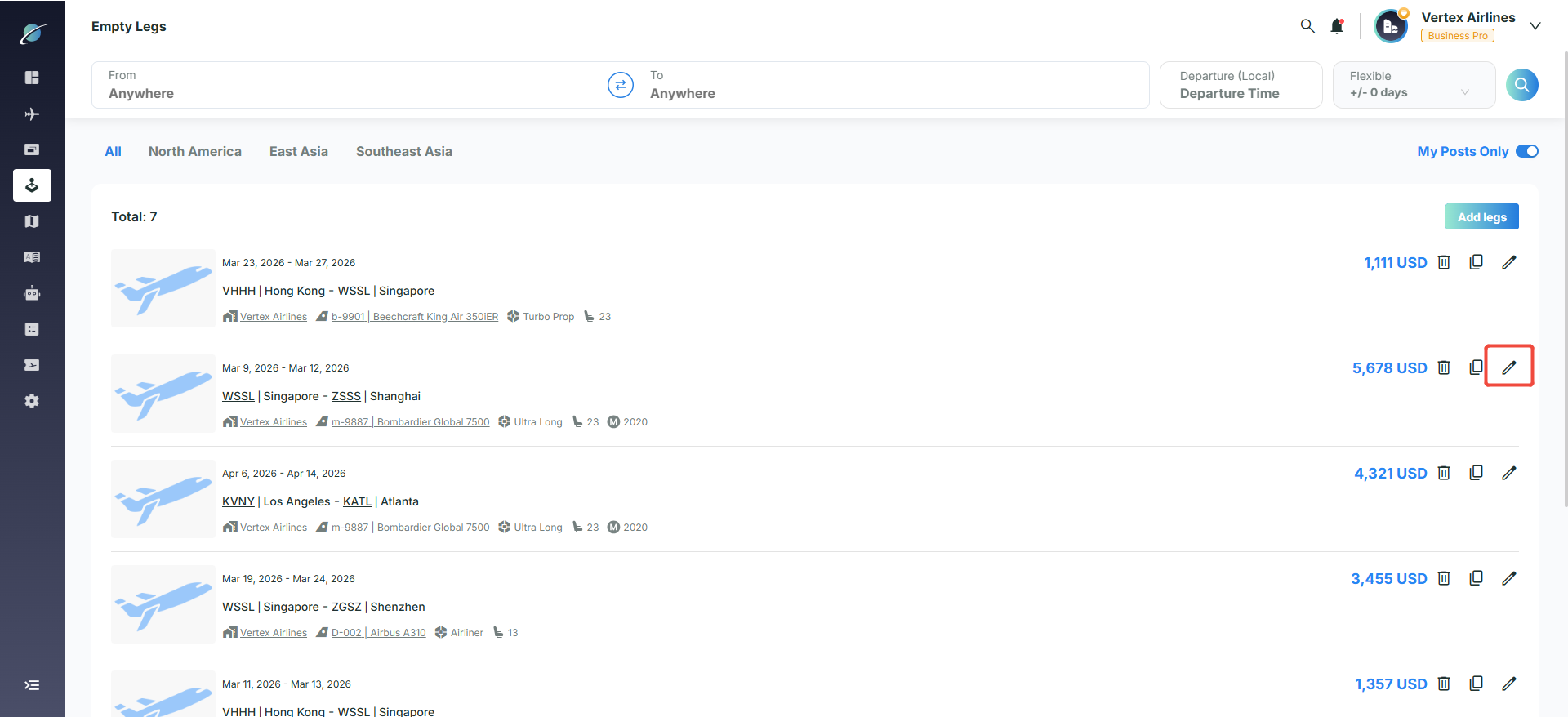
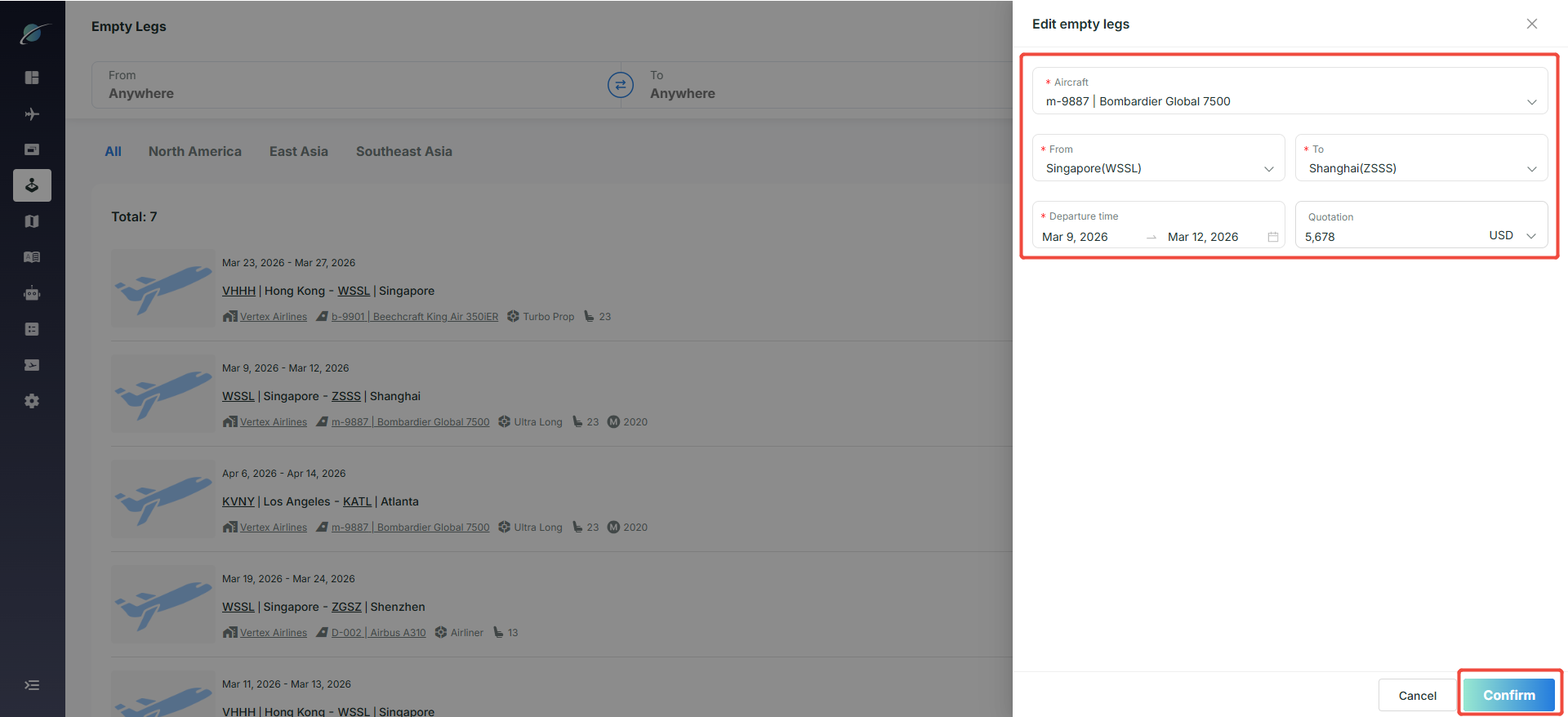
Click the edit icon to open "Edit Empty Legs", update the details, and click "Confirm" to save. The system updates the record immediately.
Subscribe to the Avi-Go Newsletter
Business aviation data, insights, and trends — trusted by 10,000+ professionals worldwide.