
Dashboard Overview
1. Dashboard and Instant Support
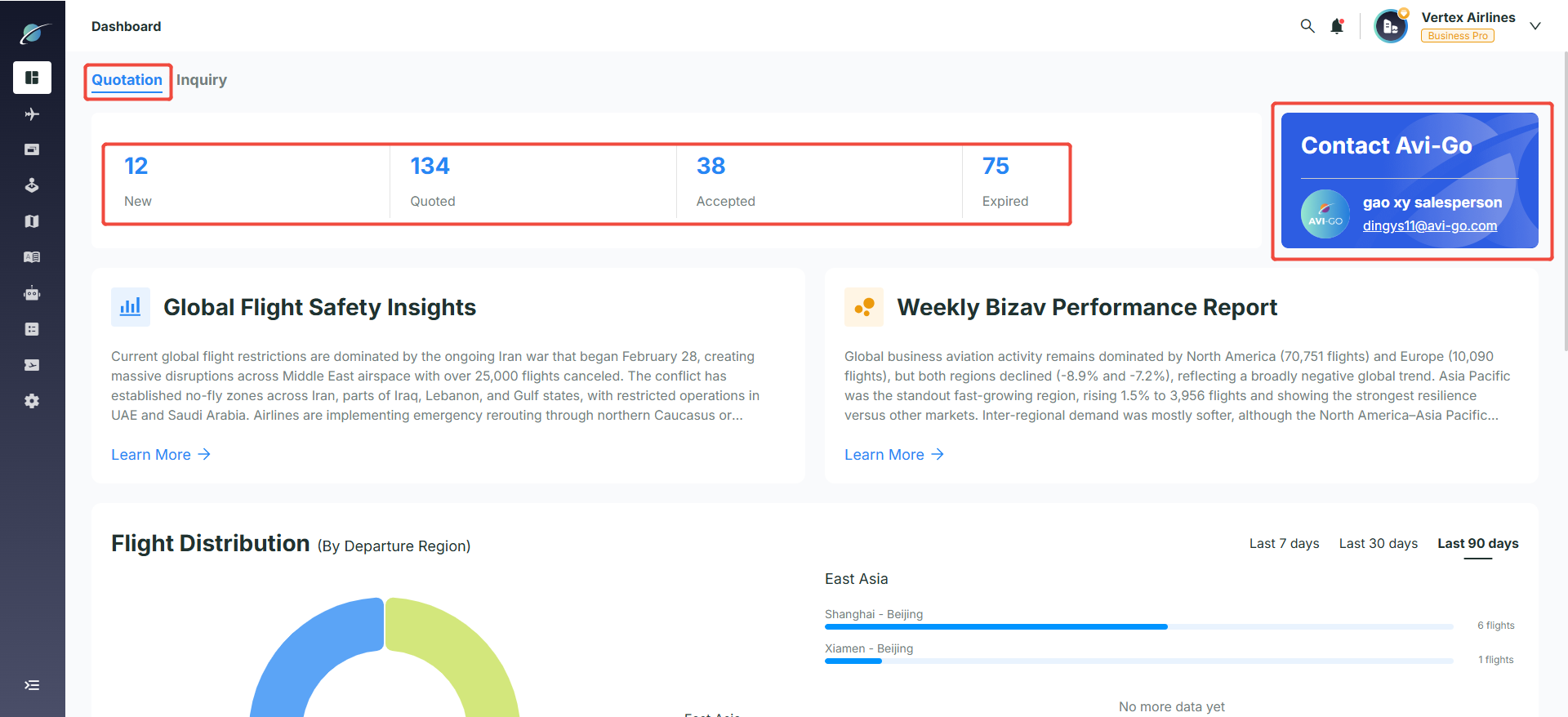
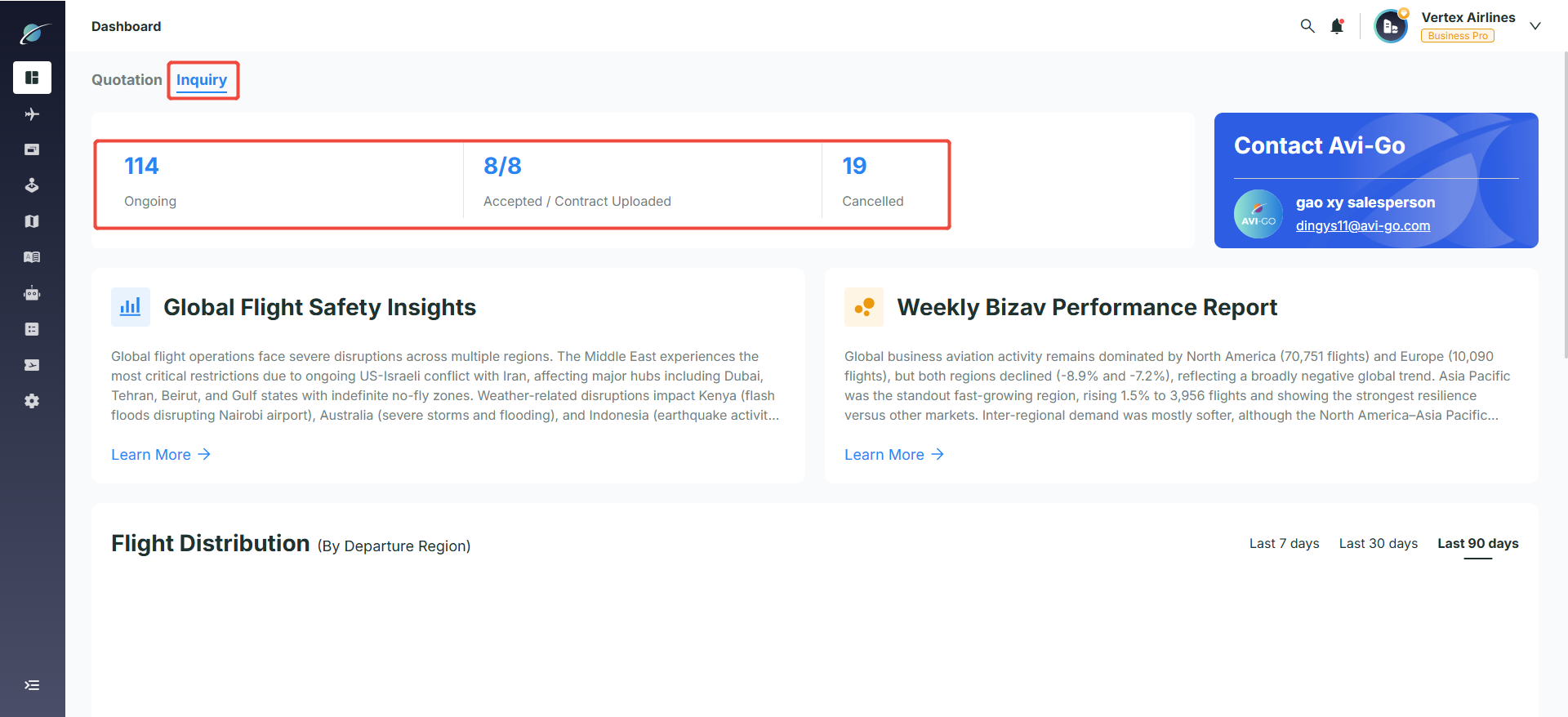
● Business Status Overview
○ Tab Display: Operators and brokers who have aircraft assigned to them will see two tabs: “Quotation” and “Inquiry”. Other users will only see the “Inquiry” tab.
○ Quick Business Status View: Easily view the number of orders at each stage, such as “New / Quoted / Accepted / Expired” or “Ongoing / Accepted / Contract Uploaded / Cancelled”. Clicking on any status will take you directly to the corresponding tab on the Quotation or Inquiry page.
● Dedicated Advisor Support: Through the “Contact Avi-Go” module, users can view their dedicated advisor’s information, making it easy to get human support quickly whenever needed.
2. Notifications and Message Management
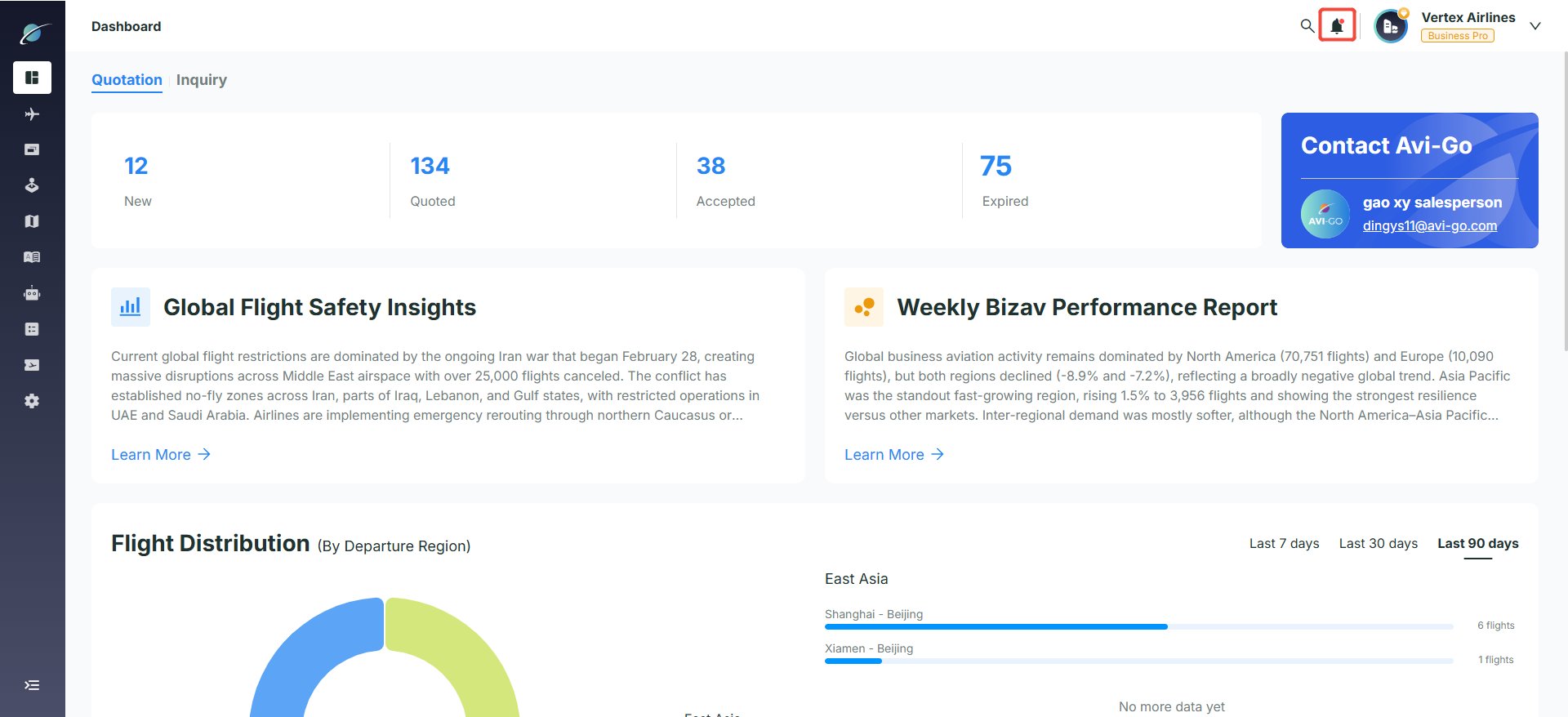
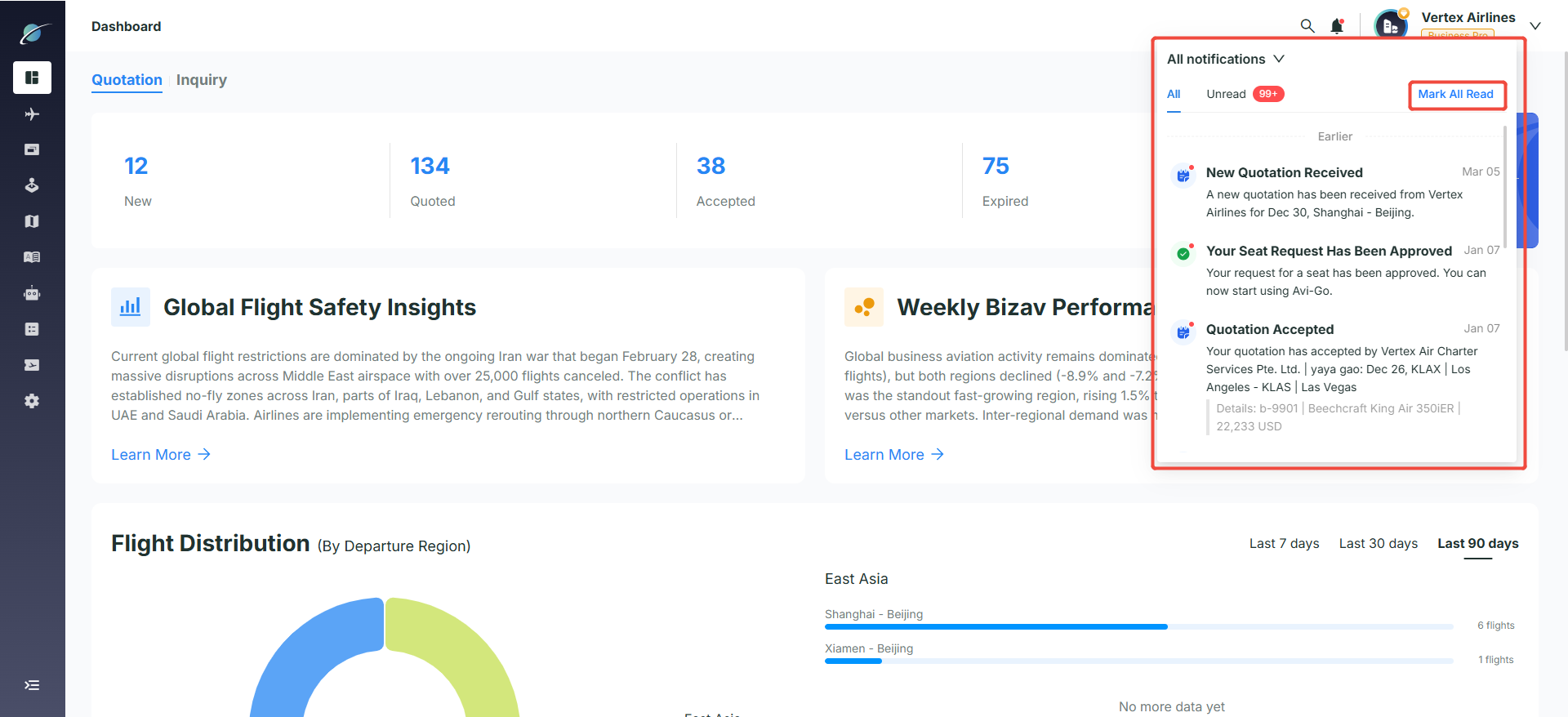
● Real-time alerts: Click the bell icon in the upper-right corner to open the notification panel.
● Category switching: Users can switch between "All" and "Unread" to quickly identify unprocessed quotations, seat requests, order acceptances, and other important notifications.
● Mark all as read: Click "Mark All Read" to mark every unread notification as read in one step.
3. Core Panels and Data Management
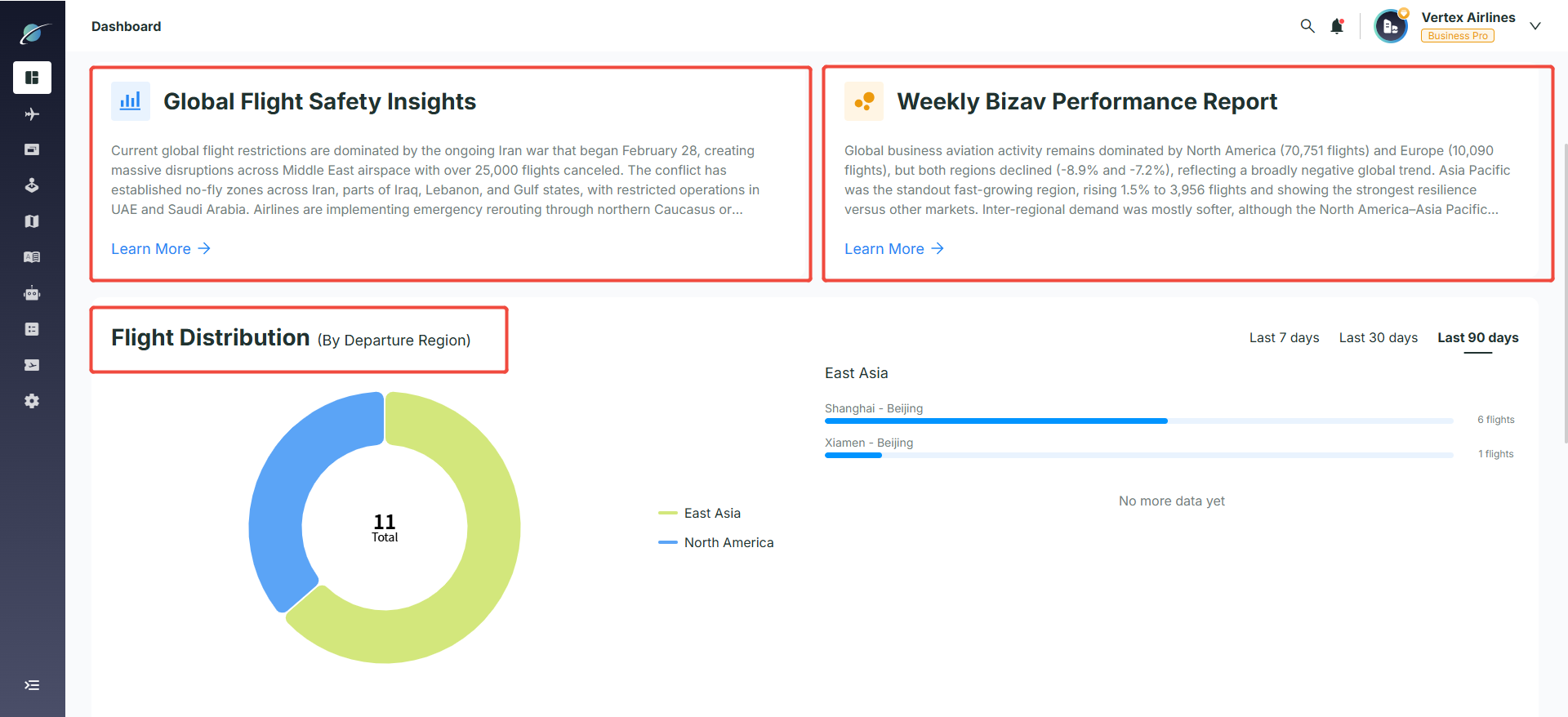
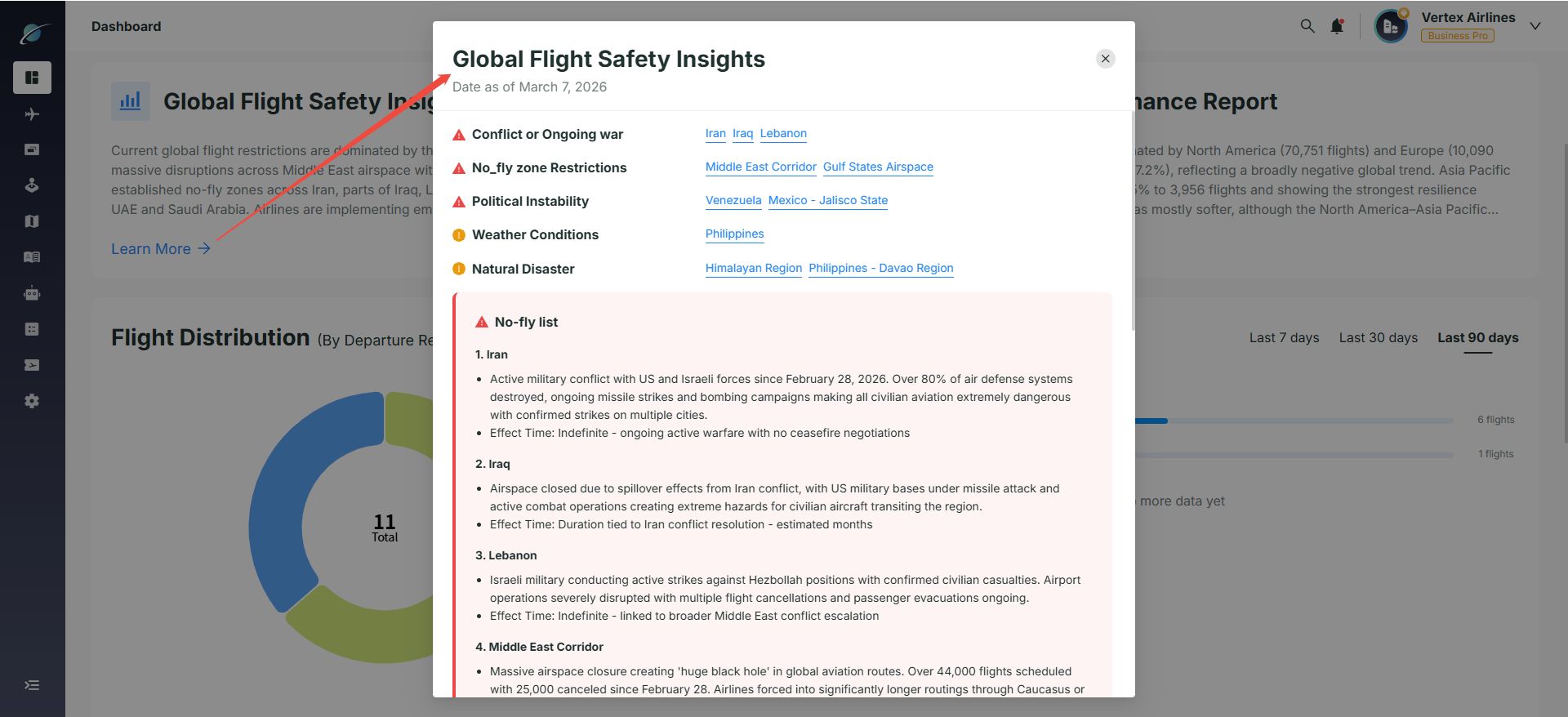
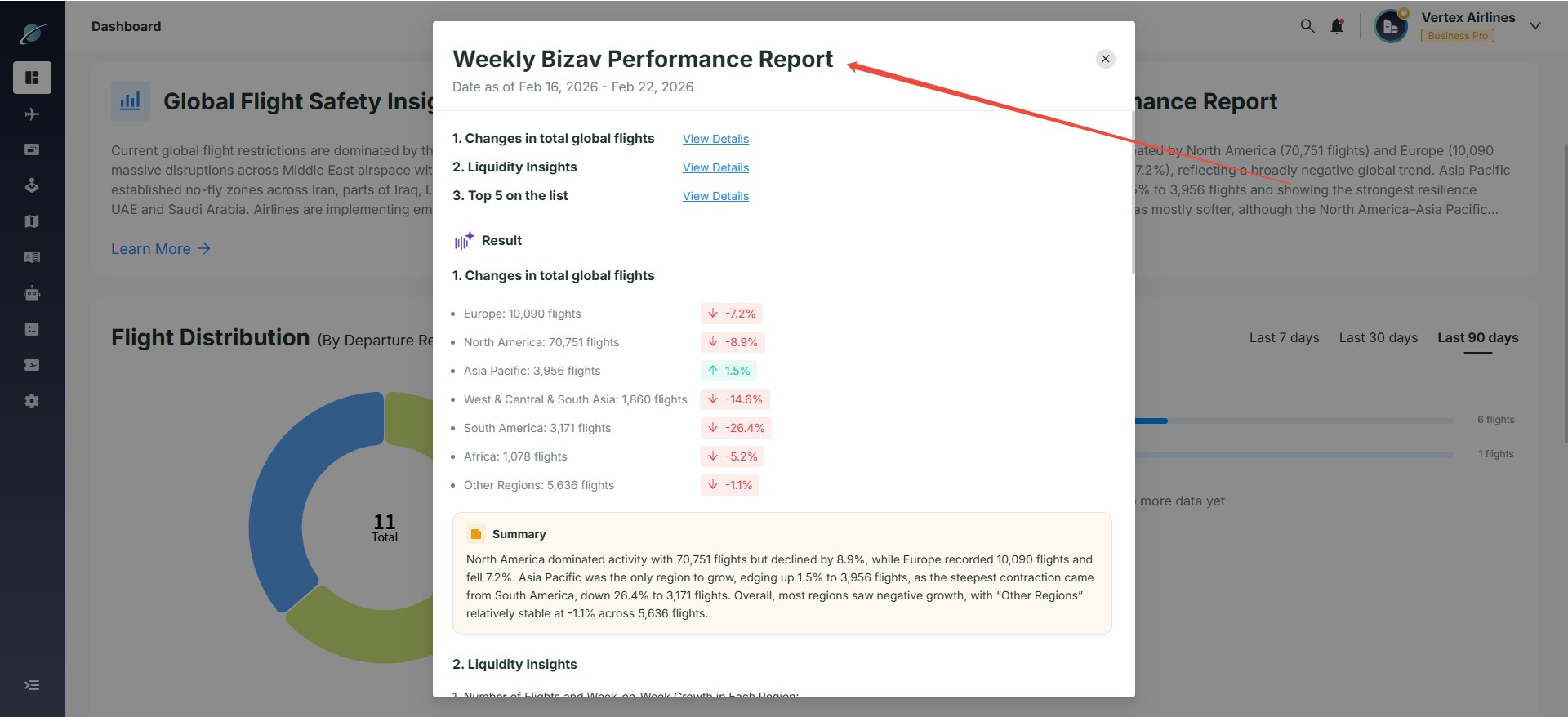
● Safety and performance insights: Click "Learn More" under Global Flight Safety Insights or Weekly Bizav Report to open a detail pop-up with no-fly risks, AI risk summaries, and regional traffic changes.
● Multi-dimensional flight statistics: In the Flight Distribution module, users can switch between time dimensions and analyze flight distribution by region and route through charts and lists.
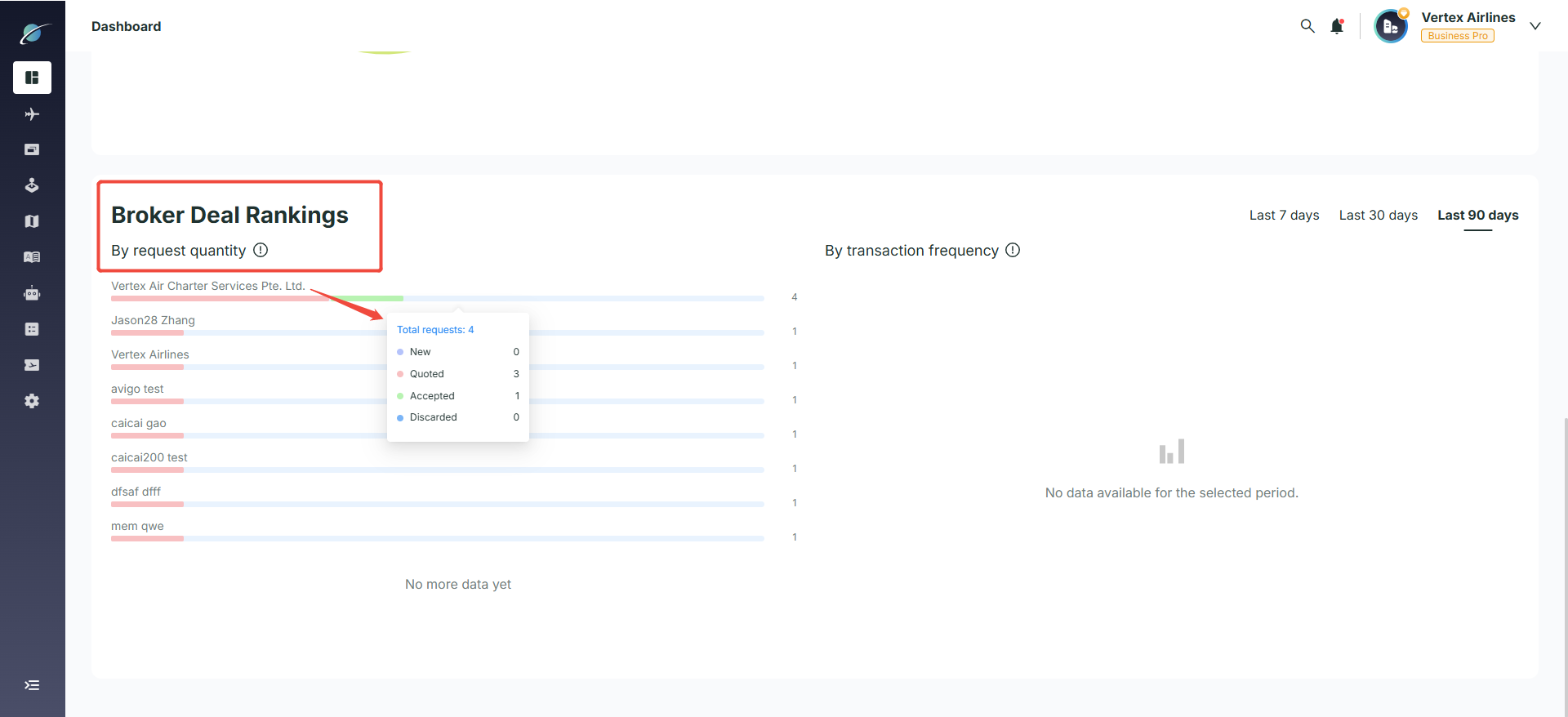
● Operator response analysis: Partner rankings can be viewed by request volume. Hover over an operator name to see detailed conversion metrics such as Total Inquiries, Unanswered, and Quoted.
Subscribe to the Avi-Go Newsletter
Business aviation data, insights, and trends — trusted by 10,000+ professionals worldwide.